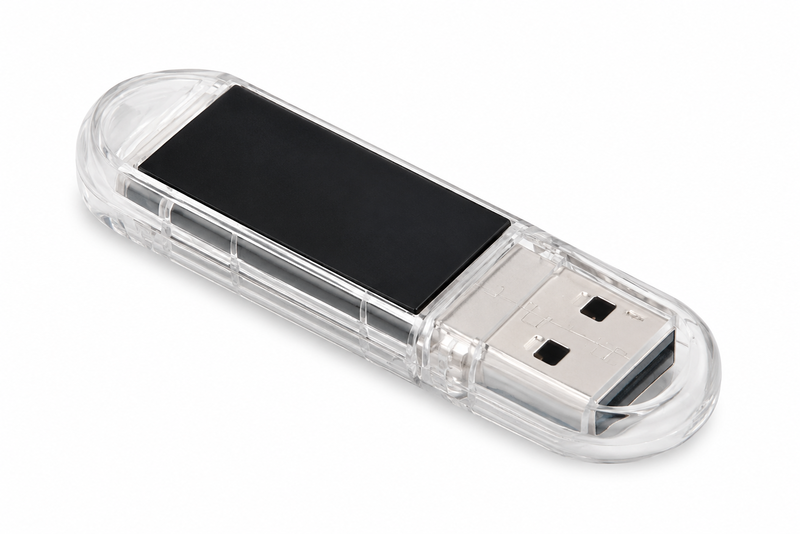
ncSender Wireless USB
USB Wireless use for ncSender Pendant, AutoDustBoot or RGB LED.
The hub
The ncSender Wireless USB is a small stick that plugs into the computer running ncSender and becomes the wireless bridge to every accessory on your machine — the Pendant, the AutoDustBoot and the Smart RGB LED. One stick hosts them all at once.
Connectivity
It talks to your accessories over a dedicated, low-latency wireless link — there’s no router and no network to set up between ncSender and your machine.
| Connection | USB-A, to a computer running ncSender |
|---|---|
| Wireless | Dedicated low-latency link (no Wi-Fi network to join) |
| Paired accessories | Up to 8 at once (firmware 0.3.0+) |
| Works with | Pendant, AutoDustBoot, Smart RGB LED |
| Licensing | Per Wireless USB — one activation covers every paired accessory |
| Firmware | Self-updating through ncSender (0.3.5+) |
| Requires | ncSender or ncSender Pro |
No. A single Wireless USB hosts up to eight accessories at once, and the licence is tied to the USB rather than to each accessory.
In ncSender, open the Wireless USB dialog, click + Pair New Device, then put the accessory into pairing mode within 30 seconds. It shows as Connected when it’s done.
From firmware 0.3.5 the Wireless USB updates itself through ncSender — no browser flasher needed. A major-version update clears the paired-device list, so you re-pair your accessories afterwards.
ncSender or ncSender Pro, running on a computer with a spare USB port.
No reviews yet.